HR Portal
Hr Portal
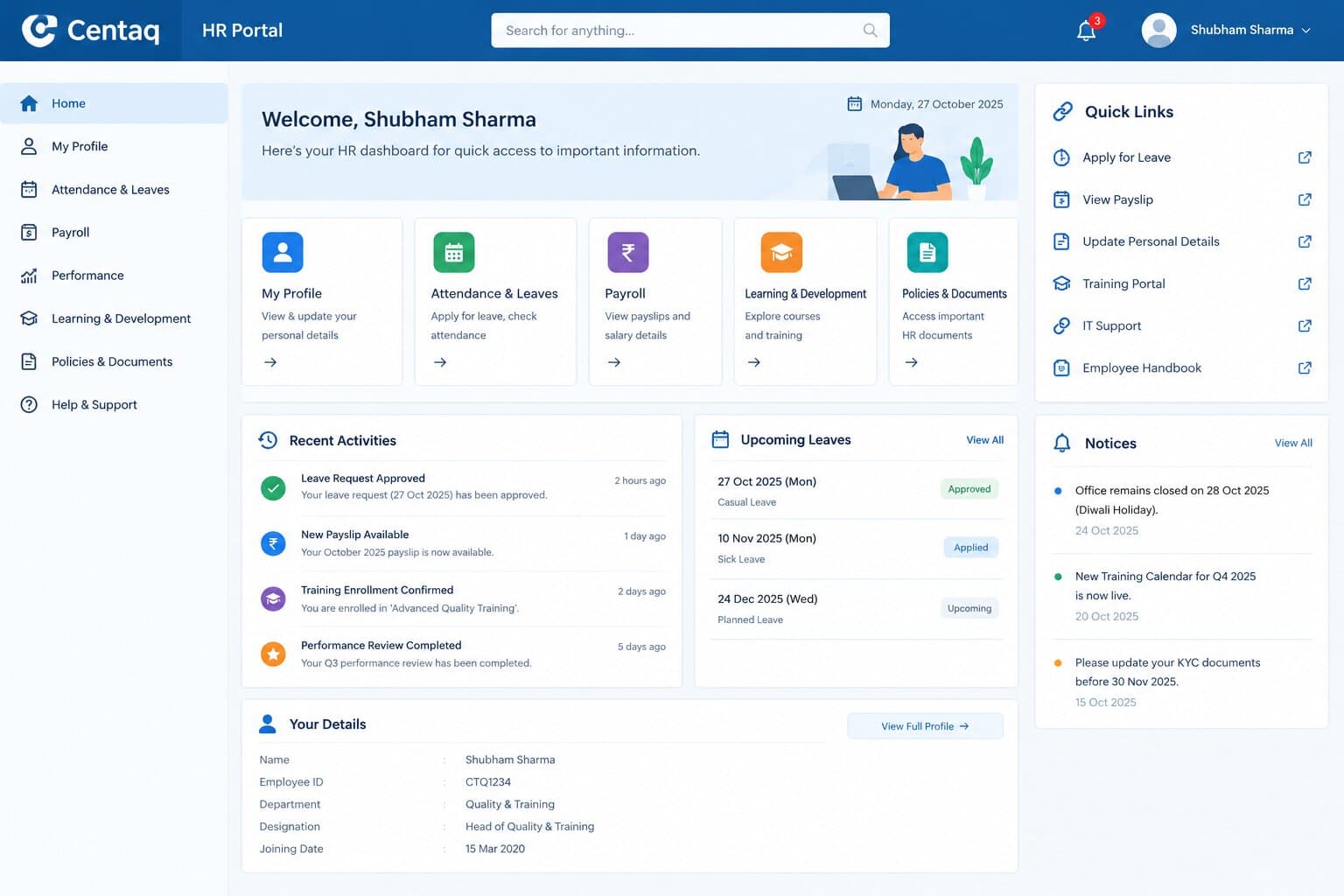
HR Portal - Local Deployment Guide
Prerequisites
Before running the HR Portal, ensure you have the following installed:
- Node.js (v14 or higher) - Download here
- MySQL (v5.7 or higher) - Download here
Setup Instructions
1. Database Setup
- Start MySQL server
- Create a new database (the application will create it automatically if it doesn't exist)
- Update database credentials in
backend/.envif needed:DB_HOST=localhost DB_USER=root DB_PASSWORD=your_mysql_password DB_NAME=hr_portal
2. Backend Setup
Open a terminal in the project directory:
# Navigate to backend folder
cd backend

# Install dependencies
npm install

# Start the server
npm start
The backend server will start on http://localhost:5000
The database schema will be created automatically and seed data will be inserted.
Default Admin Credentials:
- Email:
admin@company.com - Password:
admin123
3. Frontend Setup
Open a new terminal in the project directory:
# Navigate to frontend folder
cd frontend

# Install dependencies
npm install

# Start the development server
npm start
The frontend will open automatically at http://localhost:3000
Using the Application
Login
- Open http://localhost:3000 in your browser
- Login with default admin credentials:
- Email:
admin@company.com - Password:
admin123
- Email:
Admin Functions
- Create users with different roles (Admin, Manager, Artist, Retainer)
- Approve productivity submissions
- Configure pricing (per-image rates)
- Submit quality scores
- Apply penalties
- Generate payroll reports
Artist Functions
- Submit daily productivity (images completed)
- View productivity history
- Check estimated salary
Retainer Functions
- Mark daily attendance
- View attendance history
- Check attendance statistics
Manager Functions
- Review productivity submissions
- Approve/reject entries
- View team statistics
Troubleshooting
Backend Issues
- Database connection error: Check MySQL is running and credentials in
.envare correct - Port 5000 already in use: Change
PORTin.envfile
Frontend Issues
- Port 3000 already in use: The terminal will prompt to use a different port
- API calls failing: Ensure backend is running on port 5000
Features Included
✅ User Management (4 roles) ✅ Artist Productivity Tracking ✅ Retainer Attendance Management ✅ Automated Salary Calculations ✅ Quality Score System ✅ Penalty Management ✅ Comprehensive Payroll Reports ✅ Audit Logging ✅ Role-based Access Control ✅ Modern Glassmorphic UI with Professional Styling ✅ Customizable Themes (Light/Dark Mode & Color Swatches)
Next Steps
For production deployment:
- Use environment variables for sensitive data
- Set up proper MySQL user with limited permissions
- Configure HTTPS
- Use a process manager like PM2 for the backend
- Build frontend for production:
npm run build - Deploy to a cloud platform (AWS, Heroku, DigitalOcean, etc.)
Support
If you encounter any issues:
- Check both backend and frontend terminals for error messages
- Verify MySQL is running
- Ensure all dependencies are installed
- Check the
.envconfiguration